
Build a report
1
Open Reports
Go to Finances → Reports. The tabs across the top filter your saved reports by type: All, Profit & Loss, and Transaction.
2
Create a new report
Click Create report to open the builder.
3
Pick the report type
Choose P&L Statement or Transaction Report, then set the date range. The type is locked once you save, so pick the right one first.
4
Name it and save
Click the report title to rename it, then Save changes. The report is saved to Finances → Reports so you can reopen it later.
Profit & loss
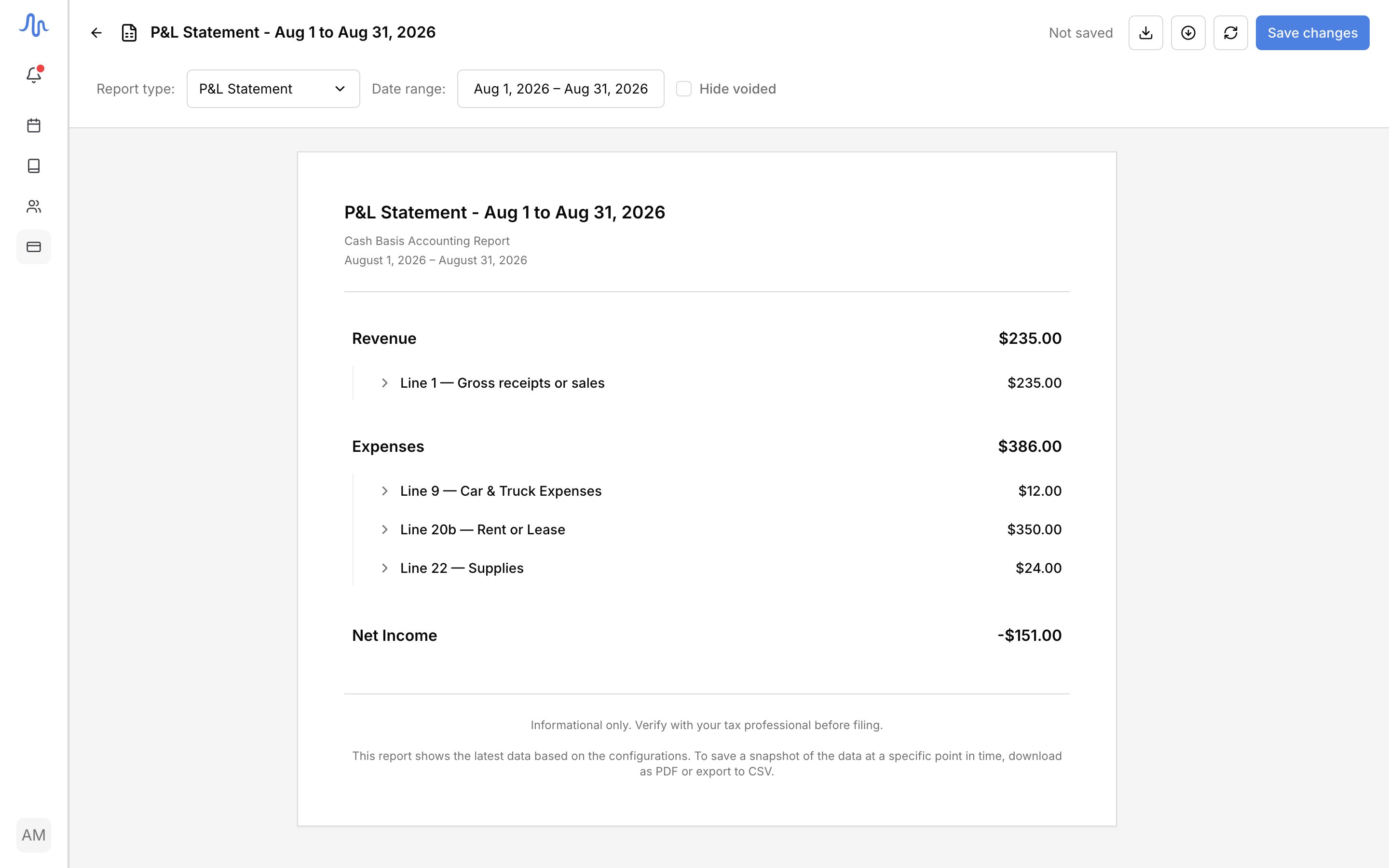
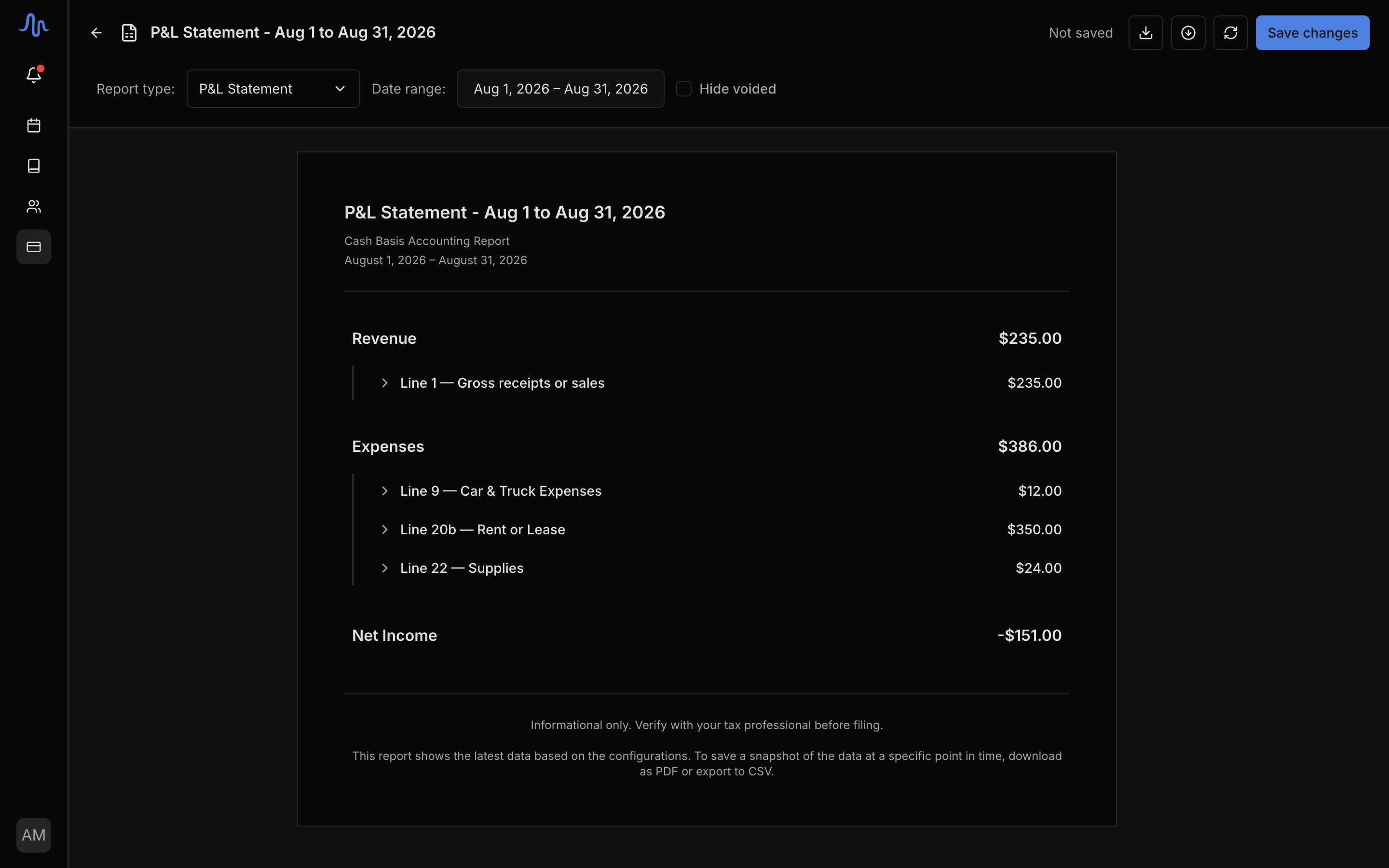
A P&L Statement sums your income against your expenses over the range, on a cash basis. It has three parts:- Revenue: income grouped by category, counted as the money you received in the range. It comes in automatically from your billing, so you never enter income here.
- Expenses: your costs grouped by category, in tax-form order. Each category is collapsible, and categories with no activity in the range are hidden.
- Non-deductible business expense: a separate section for costs that don’t reduce taxable income. Hidden when the total is zero.
Transaction report
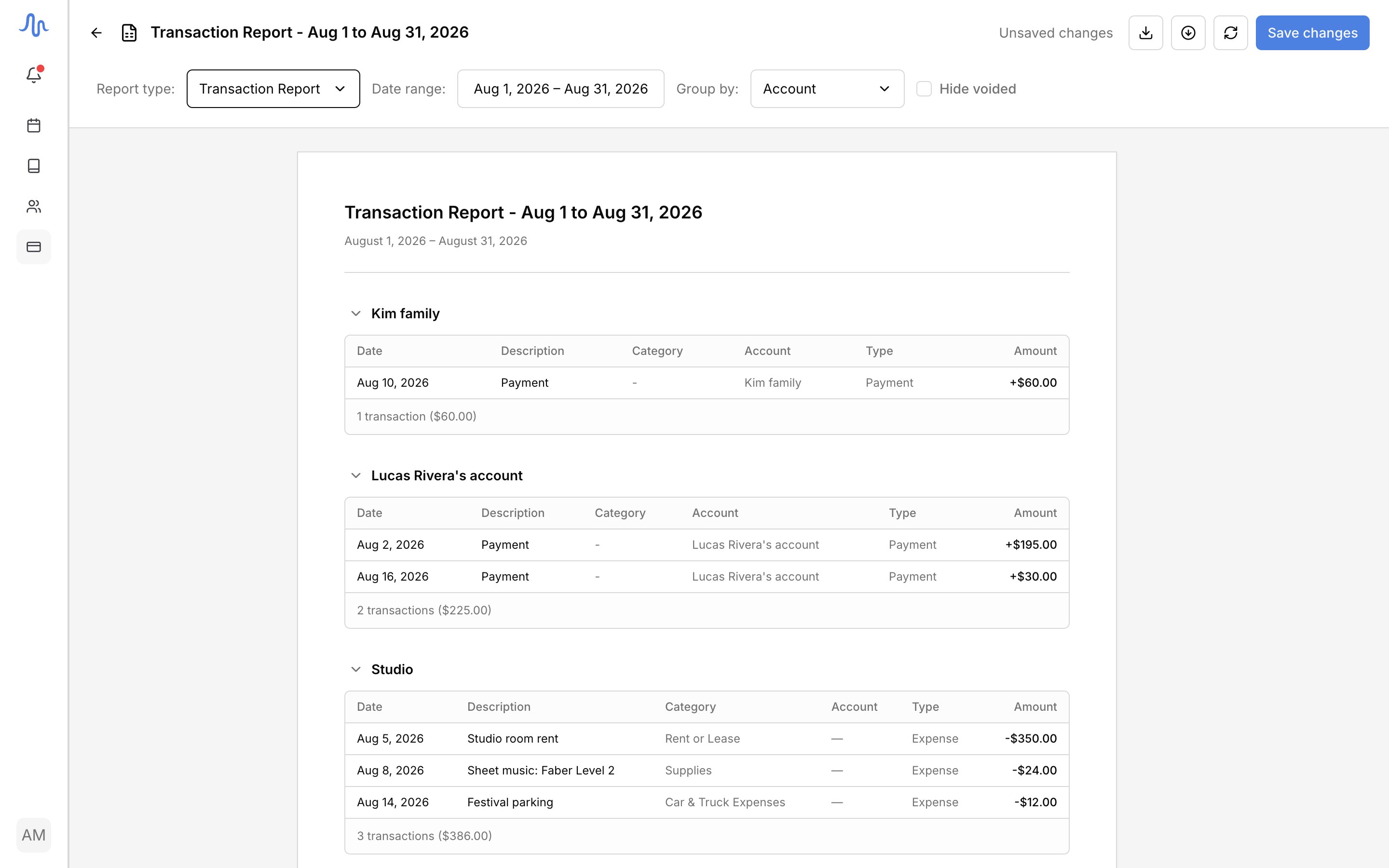
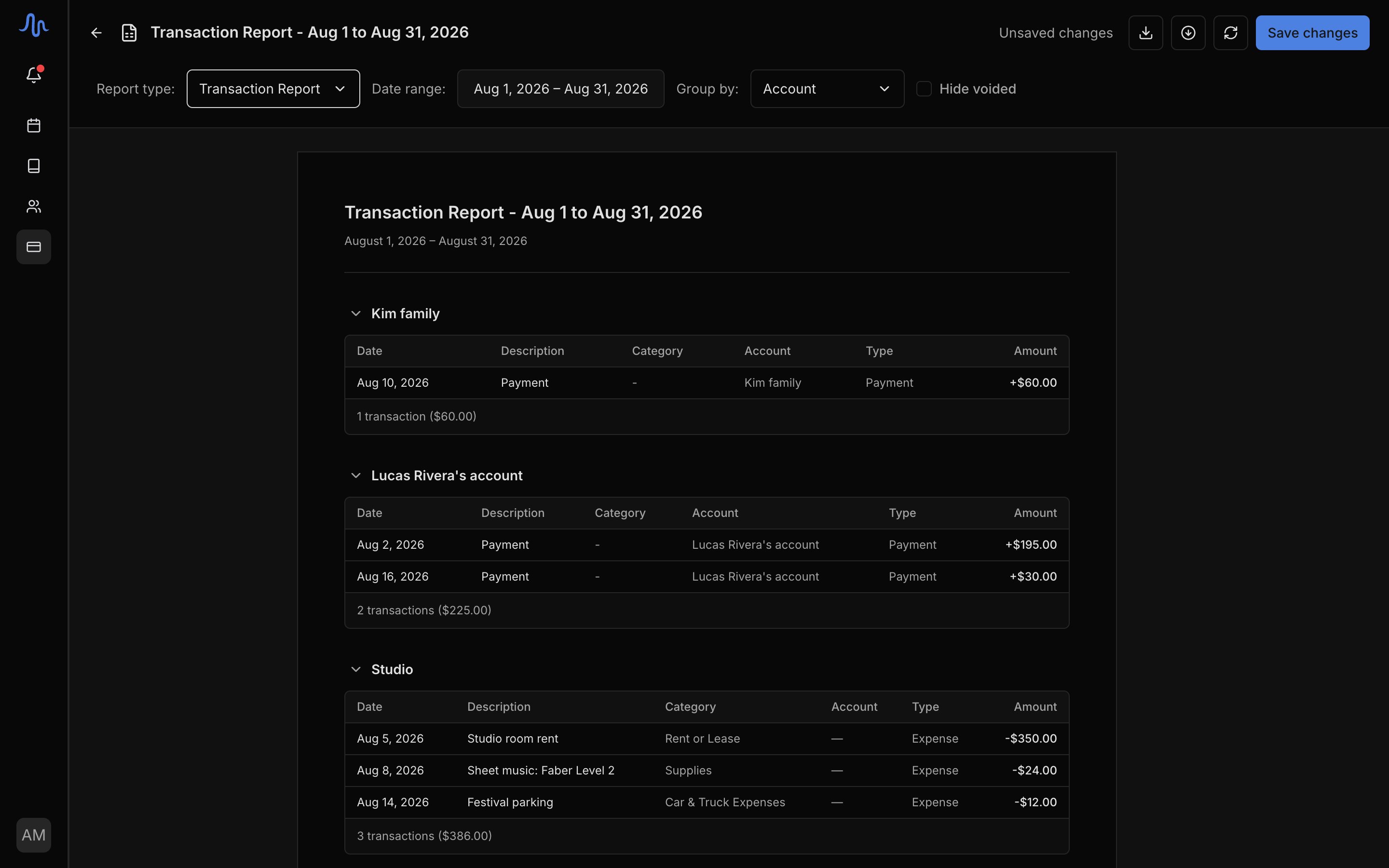
A Transaction Report lists every money movement in the range, with each row attributed to an Account:
Use Group by to organize the rows. Account is the default; you can also group by Category, Student, Month, Week, Income/Expense, or Entry Type, or pick None for a single flat list. Each group shows its own subtotal.
A few rows won’t have a named account:
- Unbilled: a charge that isn’t on a sent invoice yet.
—: an expense, which belongs to the studio, not an account.- Unassigned: money received that isn’t tied to an account.
Export
Open any report and use the buttons in the header:- Download as PDF: a formatted copy to print or send.
- Export as CSV: a spreadsheet file for Excel, Google Sheets, or your accountant’s software.
FAQ
What's the difference between a P&L statement and a transaction report?
What's the difference between a P&L statement and a transaction report?
A P&L Statement rolls everything up by category into Revenue, Expenses, and Net income: the big-picture view of whether you made money. A Transaction Report lists each entry as its own row, so you can audit individual charges, payments, and expenses.
Why does a row say Unbilled or Unassigned?
Why does a row say Unbilled or Unassigned?
Every row is attributed to an account where possible. A charge that isn’t on a sent invoice yet reads Unbilled; money received that isn’t tied to an account reads Unassigned; an expense shows
— because it belongs to the studio, not an account.Does mileage show up in these reports?
Does mileage show up in these reports?
No. Mileage is record-keeping, not a financial entry, so it stays out of the P&L and the transaction report. Your trips live alongside the vehicle they belong to. See Track mileage.