
Before you start
- Online card payments are on the Professional plan. On the Hobby plan, the Connect with Stripe button is locked. See Plans and limits.
- You don’t need Stripe to bill. Manual payments (cash, check, transfer) work on every plan. See Record a payment.
Steps
1
Open Stripe settings
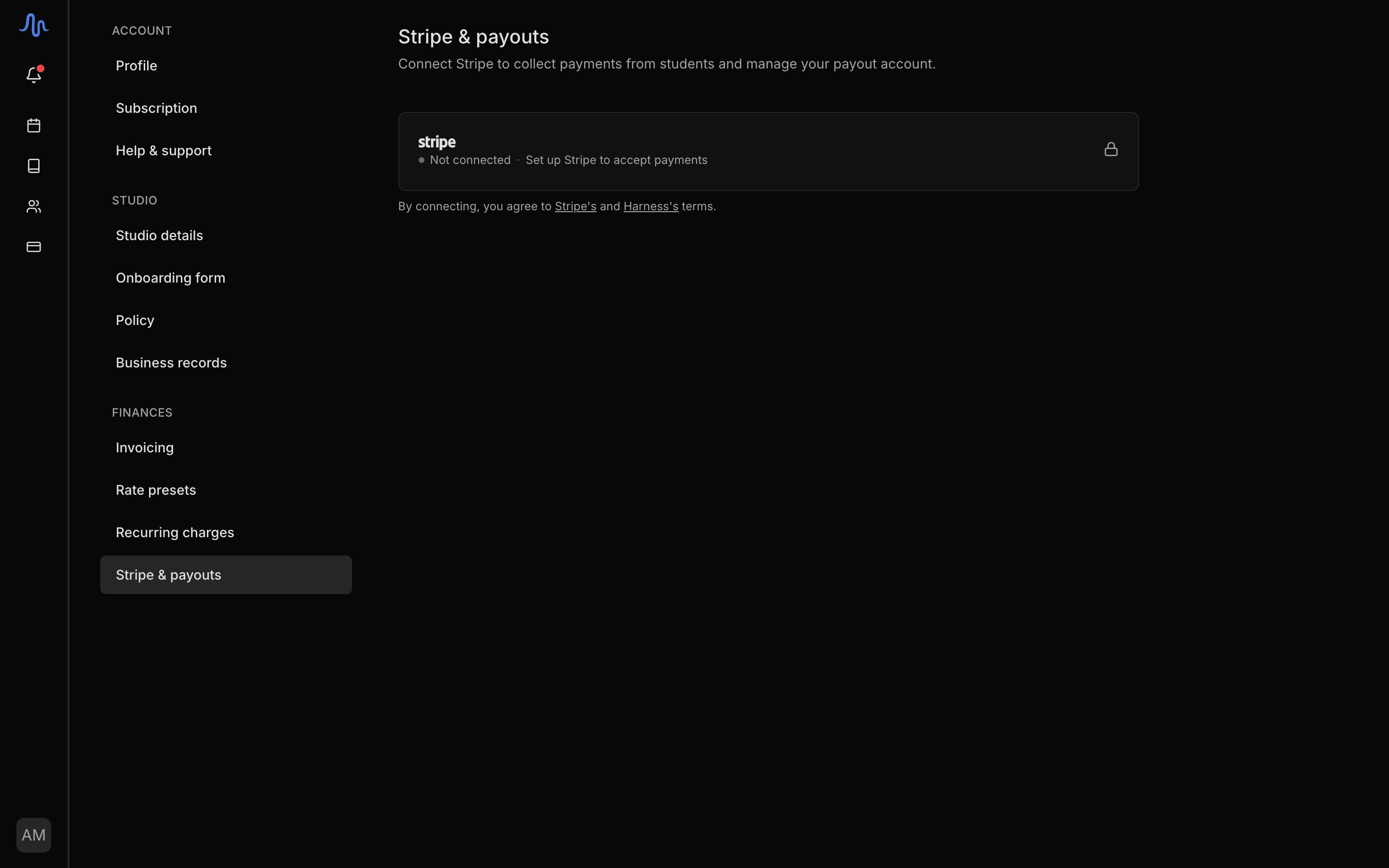
Go to Settings → Stripe.
2
Connect with Stripe
Click Connect with Stripe. This sends you to Stripe to set up the account that receives your payouts.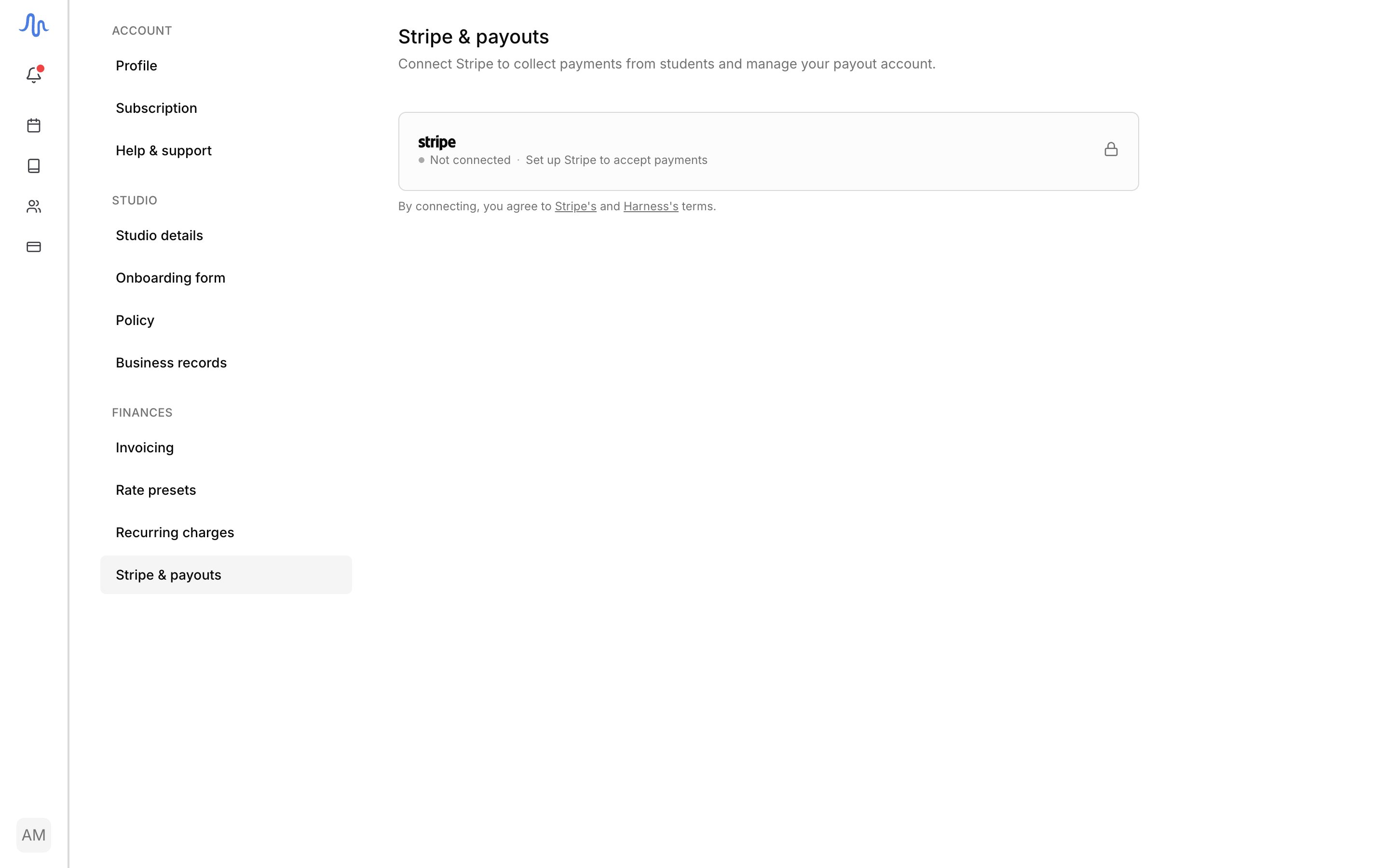
3
Finish Stripe's onboarding
Complete Stripe’s steps: business details, bank account, identity. This happens on Stripe, not in Harness.
4
Return to Harness
When you come back, the status reads Connected. You can now take card payments.
Connection states
The Stripe settings page shows where your connection stands and the next action.What connecting unlocks
Once Stripe is connected:- The Accept online payments toggle on an invoice becomes usable. See Send an invoice.
- A sent invoice carries a pay link, so recipients can pay by card from the email.
- Card payments record on their own. See Record a payment.
What your payer sees
Clicking the invoice’s pay link opens Stripe Checkout directly. The payment methods offered are whatever your Stripe account enables: card, ACH bank debit, and possibly Cash App or Link. An ACH bank payment takes 2 to 4 business days to settle. During that window the pay page shows the payment as processing, and the link can’t be paid twice. When it settles, the payment records like a card payment. If the bank payment fails, the pay link reopens so the payer can retry, and you get an email. A fully paid or credit-covered invoice shows No Balance Due instead of checkout, and a voided invoice shows that it’s no longer active. Balances under $0.50 can’t be paid online.Disconnecting
You can disconnect Stripe from Settings → Stripe. When you do:- Active pay links stop working.
- Unpaid invoices stay unpaid. Nothing is cancelled or settled.
- You collect what’s owed manually: cash, check, or transfer.
FAQ
Is there a fee?
Is there a fee?
Yes. Stripe charges 2.9% + $0.30 per successful card payment, taken from each online payment and shown on your Stripe settings page. Manual payments you record yourself have no Harness or Stripe fee.
Can I still take cash without Stripe?
Can I still take cash without Stripe?
Yes. Recording cash, check, and transfer payments works on every plan. Stripe is only for taking card payments through an invoice’s pay link. See Record a payment.