
Steps
1
Open Record payment
Three ways in, all opening the same Record payment form: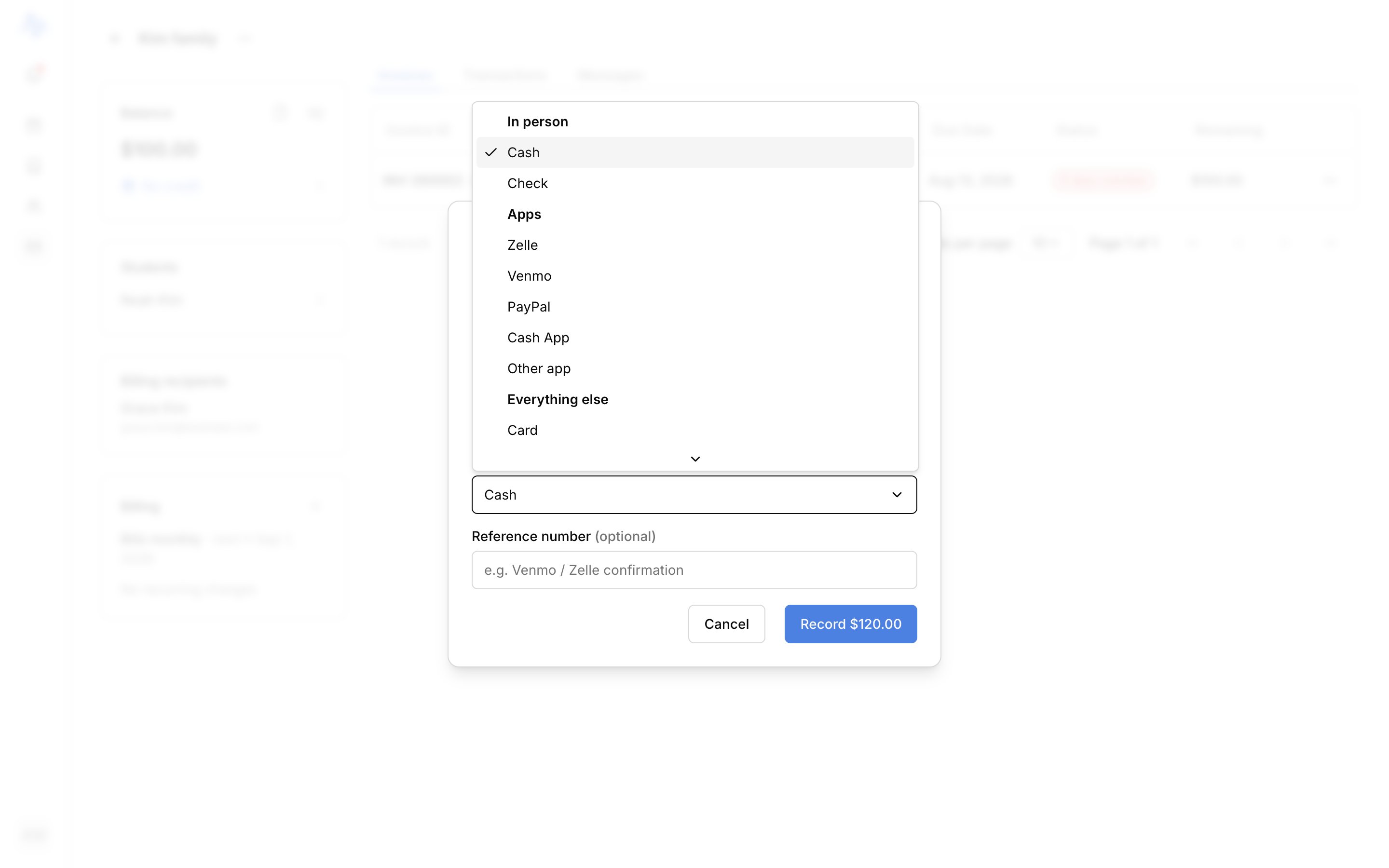
- From a charge row, use its Mark paid action.
- From a sent invoice, use Mark as paid.
- From an account, open it in Finances → Accounts and use Record payment on the Balance card.
2
Enter the amount
The Amount pre-fills with what’s outstanding. You can change it: a smaller amount records a partial payment, and a larger amount is allowed too (see below).
3
Fill in the details
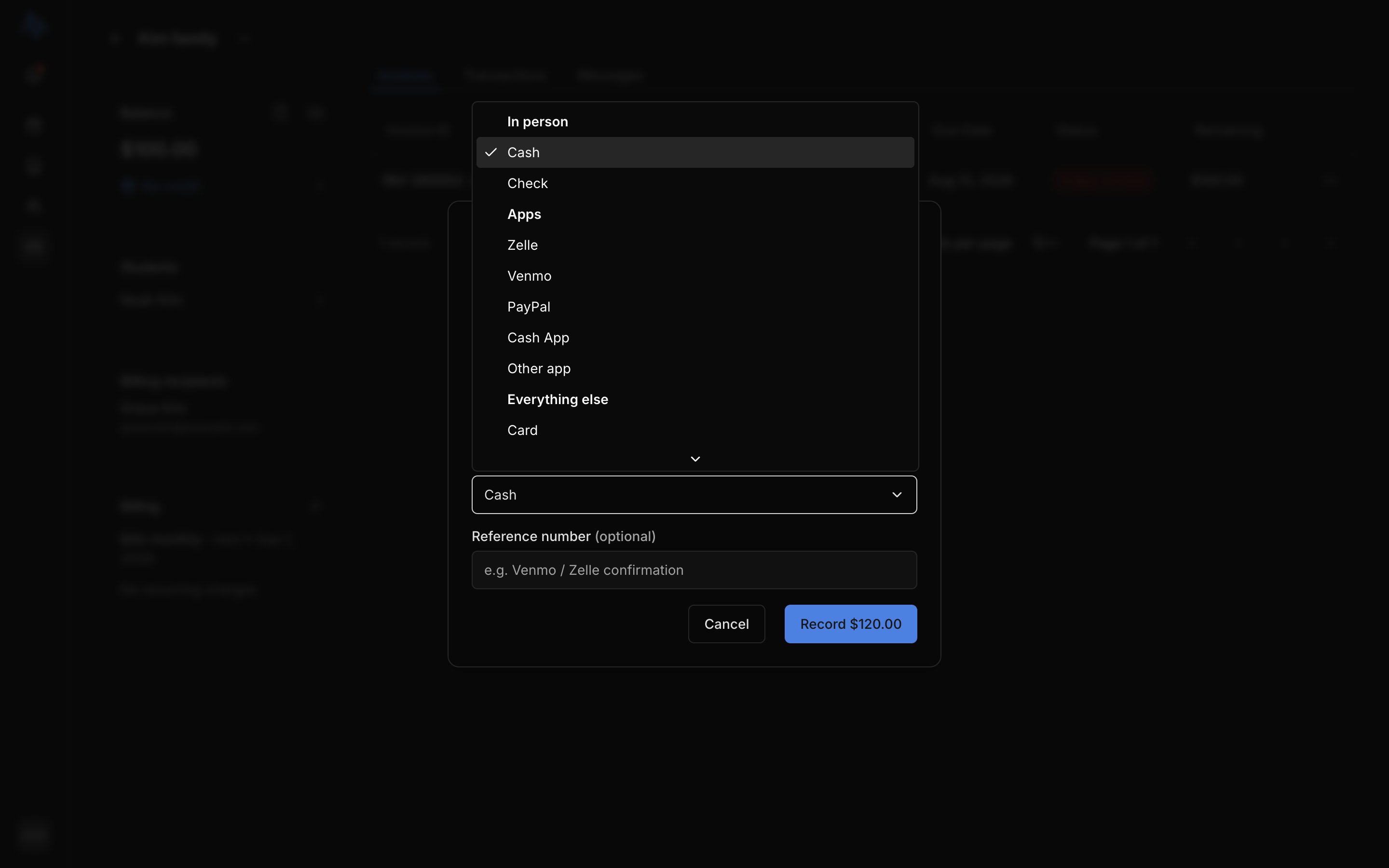
Set the Date the payment was made (defaults to today), choose the Payment method (Cash, Check, Card, Bank transfer, Digital payment, or Other), and add an optional Reference number if it helps you reconcile later, for example a Venmo or Zelle confirmation.
4
Save
Click Record to log the payment. The balance and any related charge or invoice update right away.
Overpayment and partial payments
You don’t have to match the exact amount due.- Overpayment: enter more than what’s outstanding and the form tells you the surplus will be held as credit. Say the account owed 150: the extra $30 is held on the account and comes off the next bill. See Credits.
- Partial payment: enter less than what’s outstanding and the rest stays owed. The charge or invoice shows as partially paid until the balance is settled.
Online payments
With Stripe connected, a sent invoice can carry a pay link. When you send an invoice, turn on Accept online payments to include it. The account holder pays by card from that link. The payment records on its own, and the invoice and balance update automatically.Taking card payments online needs Stripe connected, on the Professional plan. Recording payments by hand works on every plan. See Connect Stripe.
FAQ
Where do recorded payments appear?
Where do recorded payments appear?
Every payment shows on Finances → Transactions, and against the charge or invoice it settled.
Do online card payments record themselves?
Do online card payments record themselves?
Yes. When the account holder pays through the invoice’s pay link, the payment records automatically. This requires Stripe connected.