
Emails Harness sends
Harness emails families at these moments:- Invoices and reminders: when an invoice is sent, by you or by automatic billing, plus reminders around the due date on the Professional plan. See Invoices.
- Lesson notes: when you click Send Notes on a lesson. See Lesson notes.
- Welcome and portal invites: when you add a student with the welcome box ticked or approve a sign-up, and whenever you choose Send portal invite. See Give a family access.
- Policy updates: when you save changes to your published studio policy and choose to notify families. Each one shows on the person’s Messages tab as “Updated Studio Policy from” and your studio name.
- Sign-up confirmations: when a family submits your sign-up form, with your confirmation message.
- Booking and reschedule confirmations: when someone books through a scheduling link or picks a new time with a reschedule link. A booking confirmation isn’t tied to a student, so it doesn’t show on any Messages tab.
- Can’t attend confirmations: when a family taps Can’t attend in the portal. See Late cancellations.
Message history
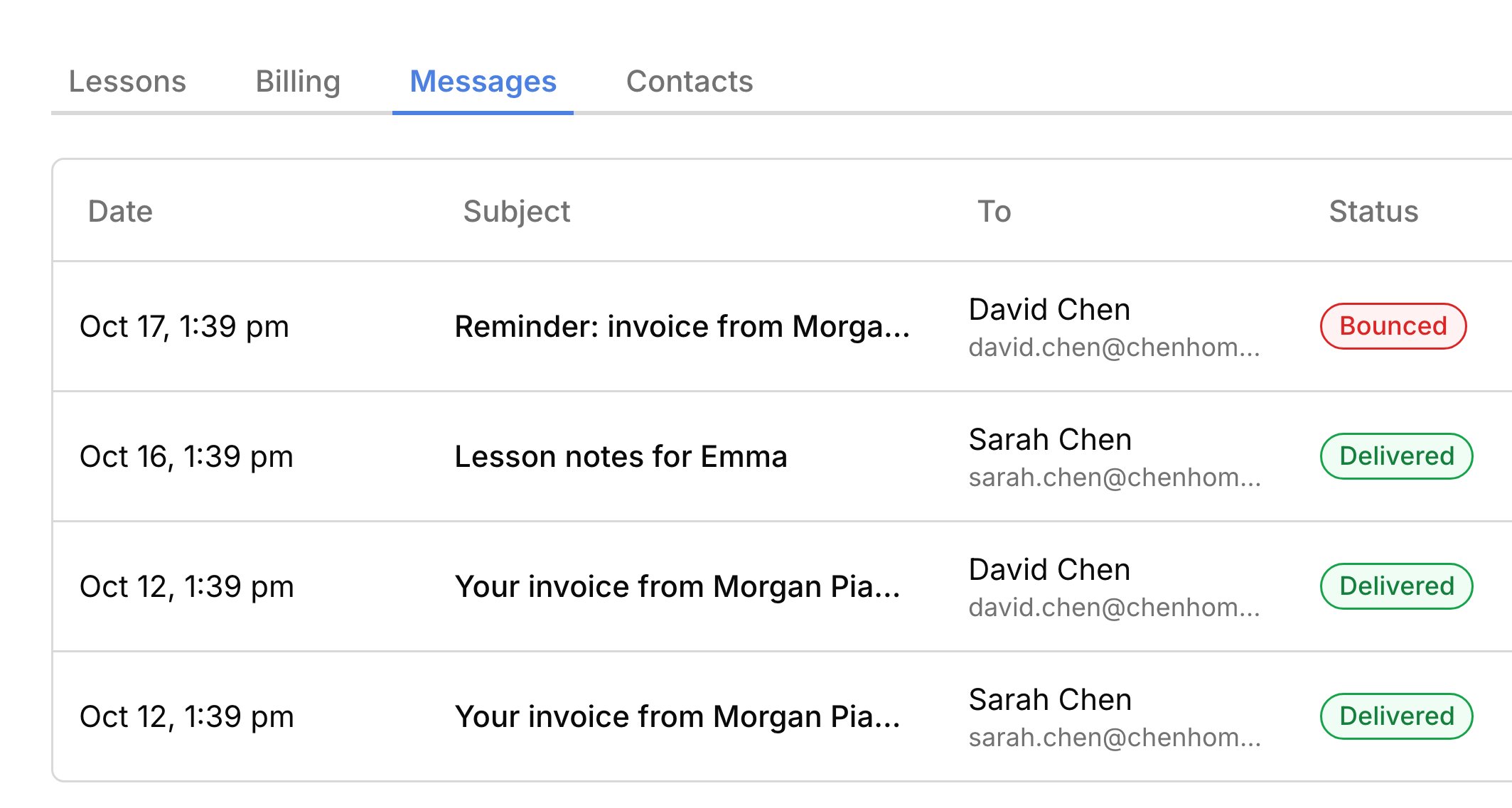
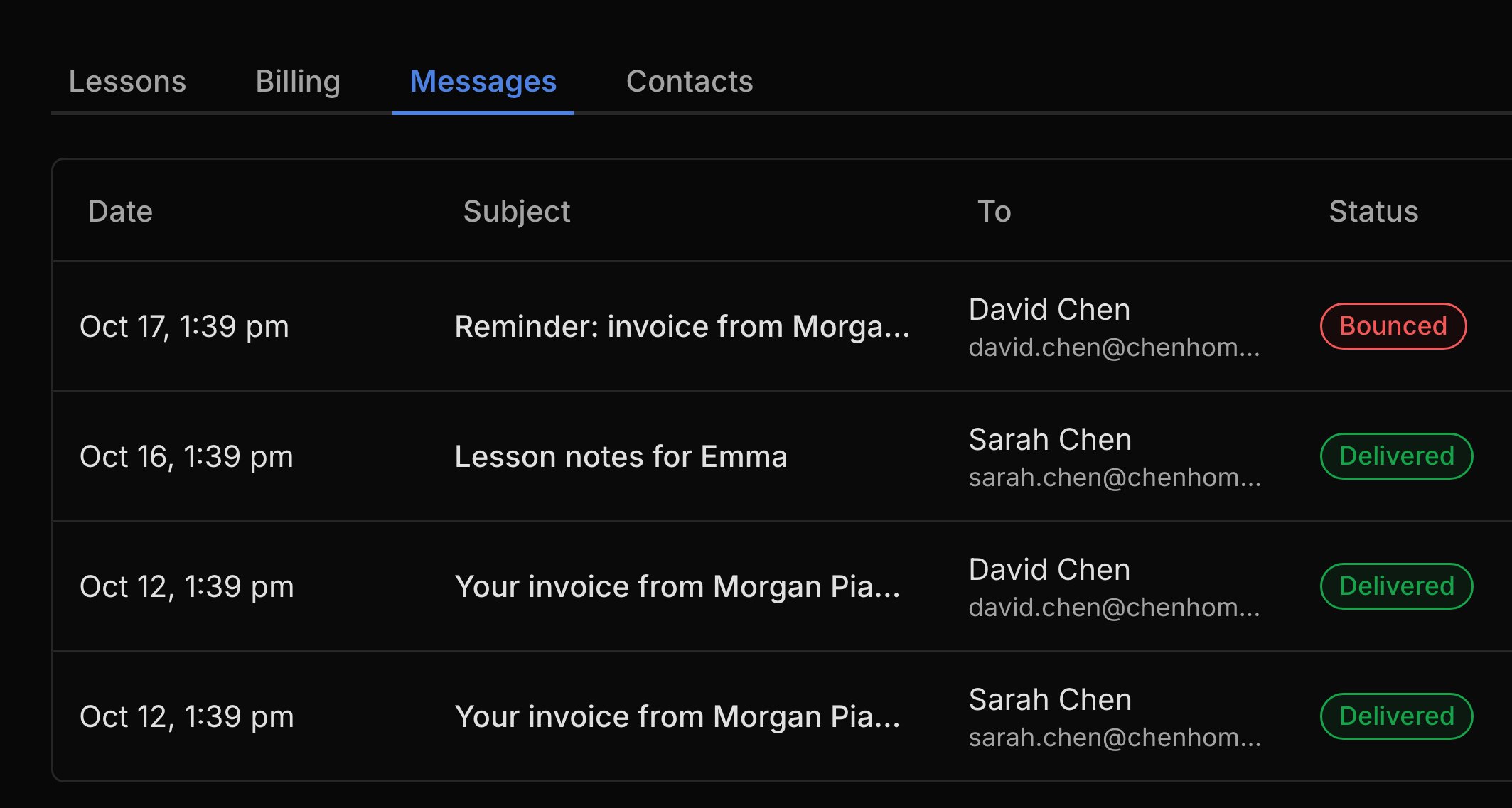
Every student, person, and account has a Messages tab listing what Harness sent, newest first. A student’s tab shows every email about them, whoever got it, and an account’s tab holds its invoices and reminders. Each person gets their own copy, so an invoice to two parents shows as two rows. Click a row, or View email on a send confirmation, to see the email as they saw it, whether it arrived, and a link to what it was about. If you delete a person, their emails stay on the student’s and account’s tabs.Send an email again
You can send an email again from the row’s menu or from the open email. Send again sends an exact copy of an email that arrived. Try again retries one that didn’t go out, and it sends to the person’s current address, so fix a typo first. For an invoice, Send again sends the invoice as it stands today, so it may not match the original email. The new email shows as its own row, with View original to open the one it came from.When an address stops working
When mail to someone bounces, Harness tells you so you can fix the address. You get an Email address stopped working item in your inbox, and an Email bouncing warning shows on the person, their students, and the account. Update the address with Edit person, or from Needs attention, and the warning clears. If nobody on an account can receive mail, the account shows No billing recipient receiving mail.What your families see
Families get ordinary emails from you, with nothing to sign up for.- Each email comes from your name “via Harness”, and replies go to your own inbox.
- Everyone gets their own copy, so no one sees another parent’s address.
- Booking and reschedule confirmations carry a calendar invite they can add to their calendar.
- Lesson notes, welcome emails, and portal invites link to the student portal.
FAQ
Did my family get the email?
Did my family get the email?
Open it on the student’s Messages tab. Delivered means their mail server accepted it, but Harness can’t tell whether they opened it.
Can Harness text families or remind them about lessons?
Can Harness text families or remind them about lessons?
No. Harness sends email only, and doesn’t remind families before a lesson. Its reminders are for unpaid invoices.
Can I email my whole studio?
Can I email my whole studio?
No, there’s no email to everyone. The closest is the policy update, sent to the primary contacts of your current students when you update a published studio policy and choose to notify them.
Why didn't the family get an email when I moved their lesson?
Why didn't the family get an email when I moved their lesson?
Moving or cancelling a lesson on the calendar sends no email. Families hear about a new time only when they pick it themselves with a reschedule link, so tell them yourself otherwise.
Why is there no Send again on this email?
Why is there no Send again on this email?
Harness doesn’t resend to an address that’s bouncing, or while an email is still sending. Fix the address, then try again.