
Record an expense
Add an expense when you buy something for the studio, ideally with the receipt in hand.1
Open New expense
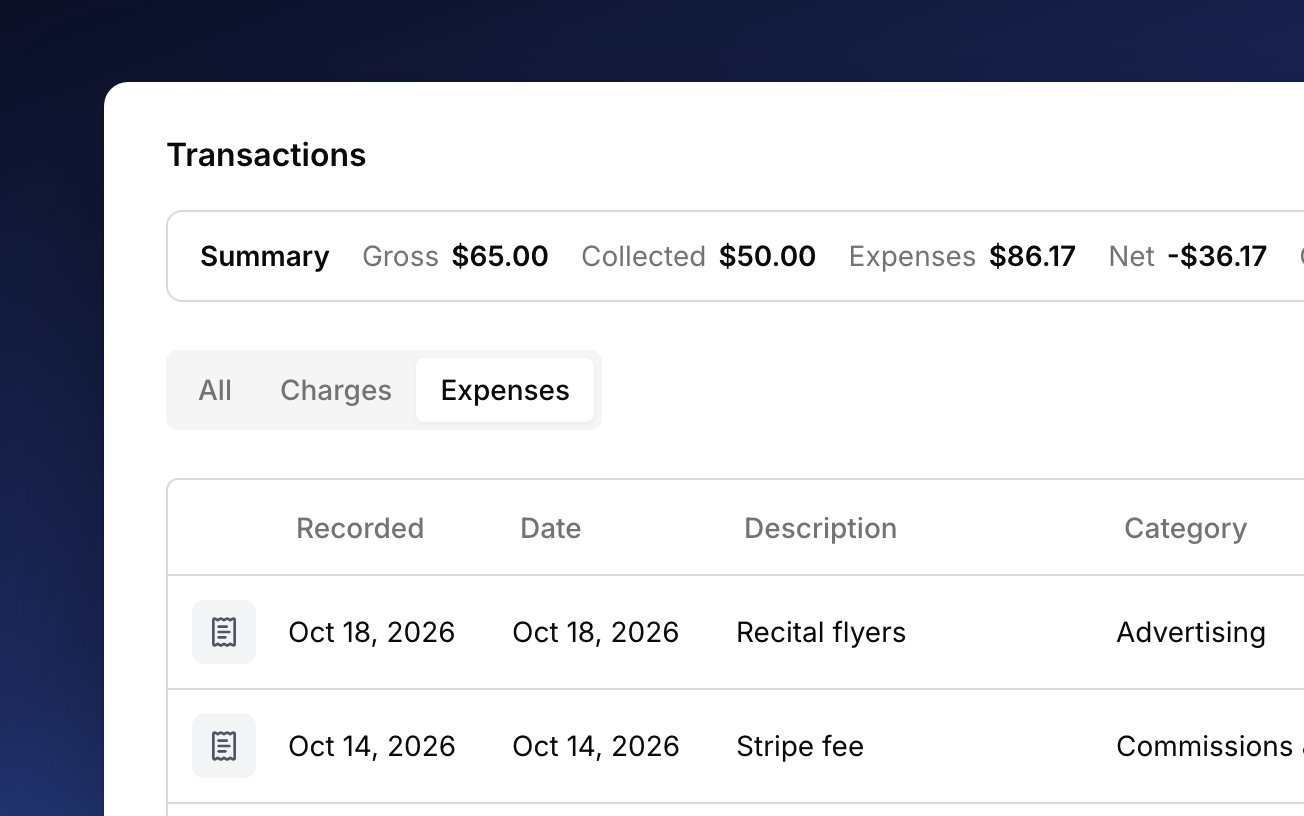
Go to Finances → Transactions and choose Add Transaction → Expense, or press
x anywhere in Harness.2
Say what you bought
Enter the amount, what you paid for, and the business purpose. Then pick a Category, how you paid, and the Vendor. Harness remembers vendors you’ve used before.
3
Attach the receipt
Click the paperclip or drag a photo or PDF onto the form. On a phone, choose Take photo to use the camera. Harness suggests a receipt for bigger purchases and travel, but never requires one.
4
Add it
Click Add.
Categories
Every expense needs a category, so it lands on the right tax line. The list follows the IRS Schedule C lines, each shown with its line number, plus two non-deductible categories that your Profit & Loss keeps separate. You can’t add your own. A few categories ask for more: Meals needs who was there and the business purpose, Travel needs where and when, and Car & Truck Expenses needs a vehicle. A car expense then shows on that vehicle’s Linked expenses tab, next to its mileage.Fees Harness records
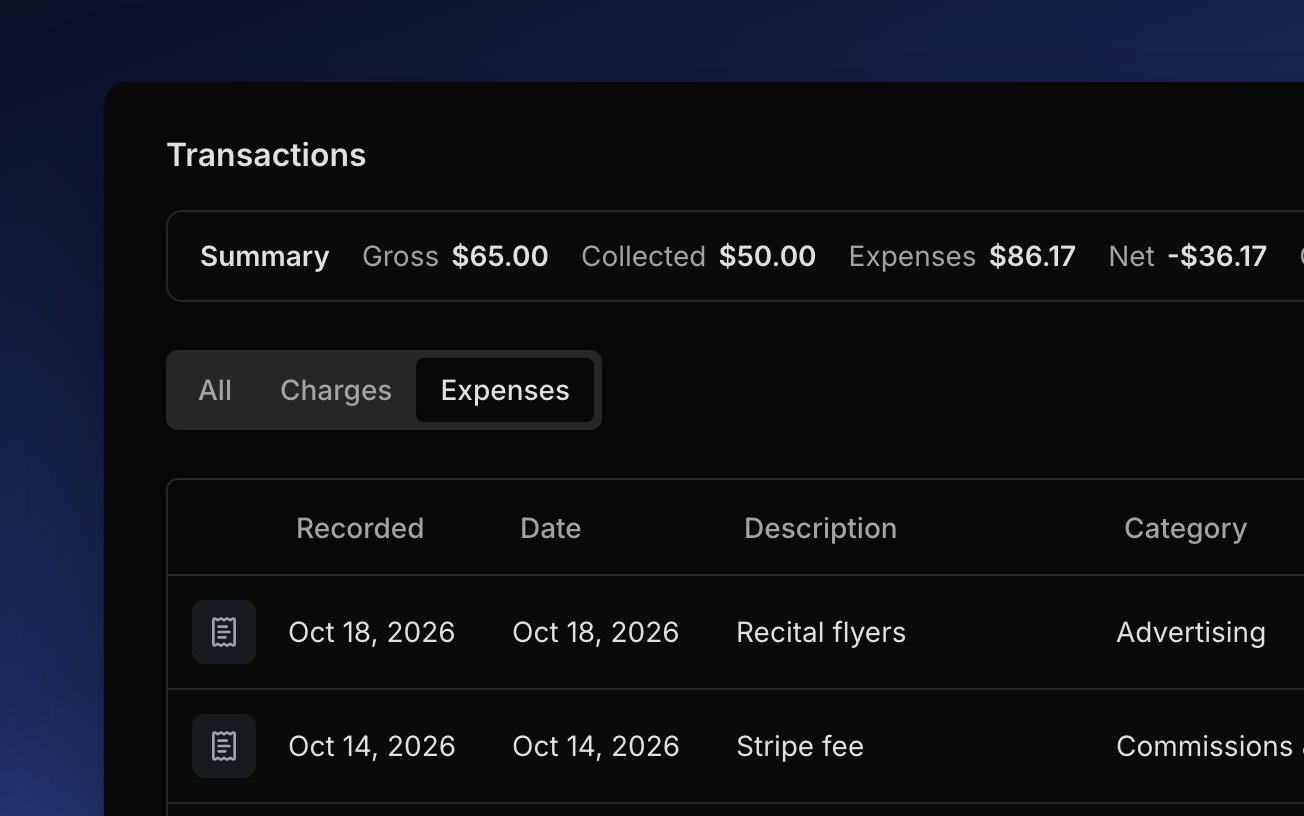
When a family pays online, Harness records Stripe’s processing fee as an expense on its own, so your books show what you actually kept. A fee for a disputed payment is recorded the same way. These rows read Fee on their detail sheet and link to the payment they came from. Stripe sets the amount, so you can’t change it or delete the fee, but you can still change its category, description, or note. See what Harness records from Stripe. Harness also records each payment for your own Harness subscription, under Office Expenses. See Your plan.Change an expense
Click an expense to open its details and fix anything that’s off. Each field saves as you change it, and you can add or remove receipts there too. To log a similar purchase, Duplicate expense opens a new one with the same details, including the date, so change it before you click Add. Delete transaction removes an expense and its receipts for good.FAQ
Can Harness import expenses from my bank?
Can Harness import expenses from my bank?
No. Harness doesn’t connect to your bank or card, so you add each expense yourself. Turn on Add more to get through a stack quickly.
Can I snap a photo of a receipt, or forward it by email?
Can I snap a photo of a receipt, or forward it by email?
You can snap it: on a phone, tap the paperclip and choose Take photo. Harness can’t take receipts by email, so save the receipt and attach it to the expense.
Can I add my own category?
Can I add my own category?
No. The categories follow the IRS Schedule C lines, so every expense lands on a line of your Profit & Loss.
Why can't I void this expense?
Why can't I void this expense?
Expenses are fixed by editing or deleting them, since voiding is for money a family owed. Open the expense to change or delete it.
Can I set up a recurring expense, like monthly rent?
Can I set up a recurring expense, like monthly rent?
No. Each expense is added on its own. Use Duplicate expense on last month’s, then change the date.