
What you need
A few things have to be in place before an invoice goes out with a pay link:- The Professional plan. The free trial includes it. On the Hobby plan, you can still record payments by hand.
- A Stripe account, which Harness sets up when you connect.
- Accept online payments turned on for the invoice, in the invoice editor’s Build tab. New invoices start with it on once Stripe is connected.
- A small minimum due. A balance of a few cents can’t be paid online.
Connect Stripe
You connect once, and every invoice you send after that can take payments.1
Start the connection
Go to Settings → Stripe & payouts and click Connect with Stripe.
2
Finish Stripe's setup
On Stripe’s site, add your business details, the bank account for your payouts, and your identity. Harness fills in your studio’s name and contact details to start.
3
Come back to Harness
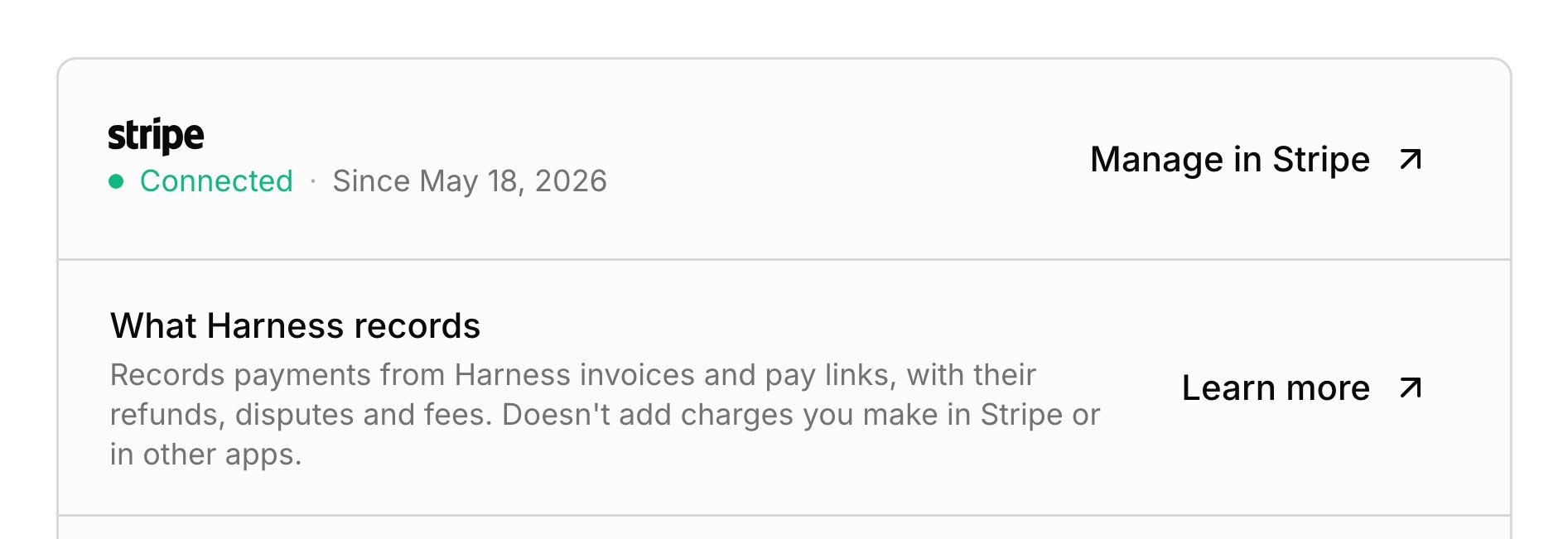
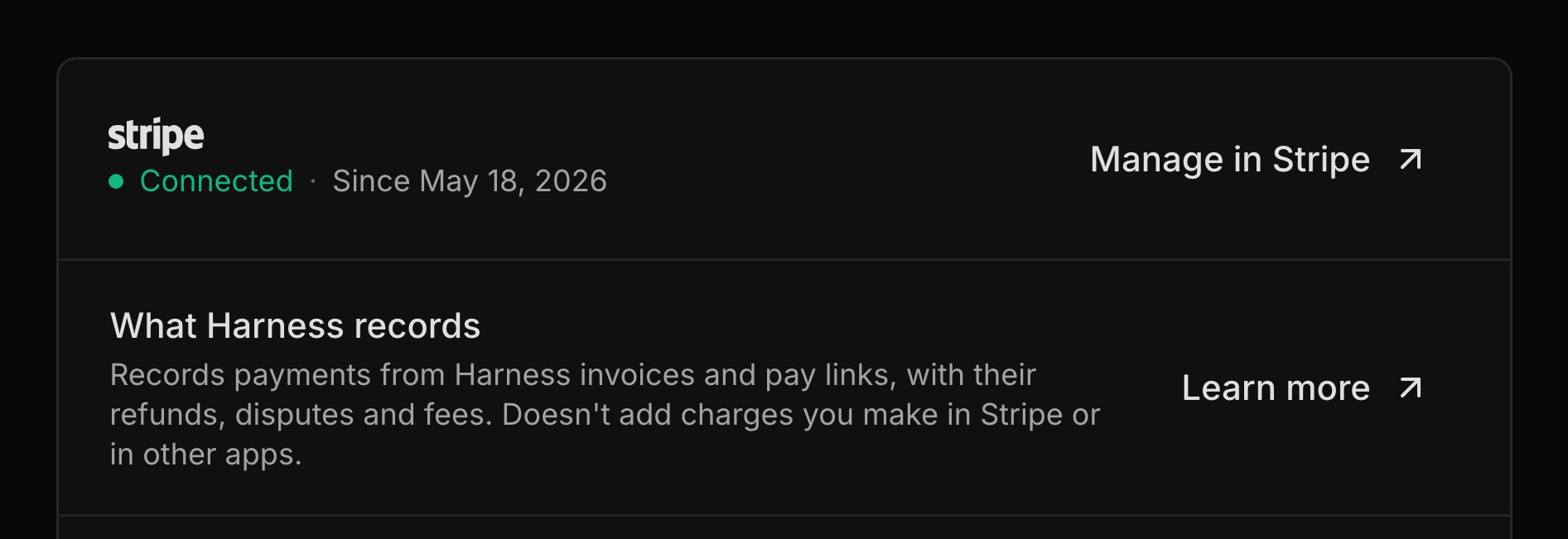
The page reads Connected. If you stopped partway, click Resume setup to pick up where you left off.
How families pay
Families pay from the link on the invoice, and Stripe offers the payment methods your Stripe account has turned on:- Card: recorded on the invoice the moment the family pays.
- Bank account: takes a few business days to clear. The invoice shows Processing until the money lands, and the family can’t pay it twice. If the payment fails, the link opens again so they can retry.
- Other methods you turn on in Stripe, like Cash App or a digital wallet. You choose these in your Stripe account, not in Harness.
What Harness records
Harness keeps track of the money paid through its pay links, so you don’t enter it yourself. Each payment lands on its invoice, and Stripe’s fee lands as an expense. Refunds, refunds that bounce back, and disputes are recorded too, including refunds you make in the Stripe dashboard. Payments you take in Stripe some other way aren’t recorded, so record them yourself. You get an email and an inbox alert when a payment comes in or a bank payment fails.When money reaches you
Stripe pays out to the bank account you set up with Stripe, on Stripe’s own schedule. Harness doesn’t control payouts, so check or change them with Manage in Stripe. A bank payment that’s still clearing shows under money on its way on Transactions, and it counts toward your totals once it lands.Disconnect
Disconnecting turns off every pay link at once. Click Disconnect on Settings → Stripe & payouts and confirm. Unpaid invoices stay unpaid, and you record payments by hand from then on. Your Stripe account stays yours, but connecting again later sets up a new Stripe account for your studio.What your families see
Families can pay from the Pay Now button in the invoice email and its reminders, the pay link on the PDF, or the Pay button in the student portal, which shows the amount due. The pay page goes straight to Stripe’s checkout, lists what they’re paying for, and needs no account. When an invoice can’t be paid online, like when nothing is due or a bank payment is already on its way, the page says so in plain words.FAQ
Why is a bank payment taking days?
Why is a bank payment taking days?
Bank payments take a few business days to clear. Harness records the payment when the money lands, and until then the invoice shows Processing.
Do card payments go into my checking account?
Do card payments go into my checking account?
Yes. Stripe pays out card and bank payments to the bank account you added in Stripe, on its own schedule. See When money reaches you.
Can I add the card fee to the invoice so the parent pays it?
Can I add the card fee to the invoice so the parent pays it?
No. Families pay the amount due, and Stripe’s fee is recorded as your expense.
Can families set up autopay?
Can families set up autopay?
No. Each payment is a one-time checkout, and no card is saved. With automatic billing, invoices can go out with a pay link on their own, but families still click to pay.
Can I use the Stripe account I already have?
Can I use the Stripe account I already have?
You can sign in to Stripe with the same email, but Harness sets up a new Stripe account for your studio. Each studio connects one Stripe account.