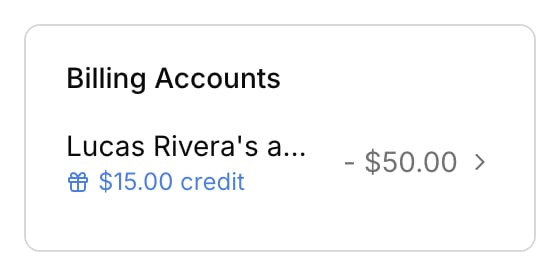
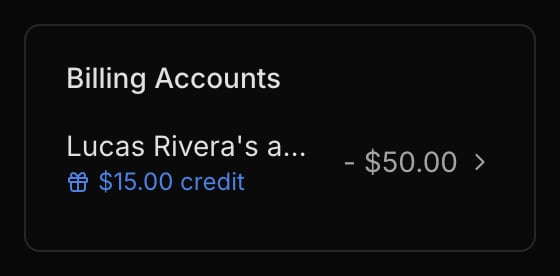
A billing account is who you bill: the payer behind a student. The invoicing pages build on this.
An account is the payer, not the student
A student takes lessons; an account pays for them. The account receives invoices and carries the balance, so you bill the account, not the student. Every active student belongs to at least one account.
Adding a student creates their billing account automatically. You can step in to bill students together (see shared accounts below).
Shared and family accounts
A shared account groups several students under one payer, for example siblings in the same family. One Invoice can then cover every student on it, and the balance reflects the whole group.
A student isn’t limited to one account. The same student can be billed partly through a family account and partly through their own, for instance.
To create a shared account, rename an account, or change who’s on it, go to Finances → Accounts. See Manage billing accounts.
Who gets billed
Billing recipients are the account’s contacts, set when you create or edit the account in Finances → Accounts. These are separate from a student’s notification settings: a student’s Lesson details and Lesson schedule recipients control lesson emails, not invoices. See Contacts and notifications.
When a student belongs to two or more accounts, automatic invoices skip them on purpose, both the per-lesson and the monthly batch. Harness can’t guess which account should be billed, so you invoice that student yourself from the right account. Students on a single account are unaffected.