
Where it lives
Both lists run newest first. Each recipient gets their own copy of an email, and each copy is its own row: an invoice to two parents appears twice, and neither parent sees the other’s address.
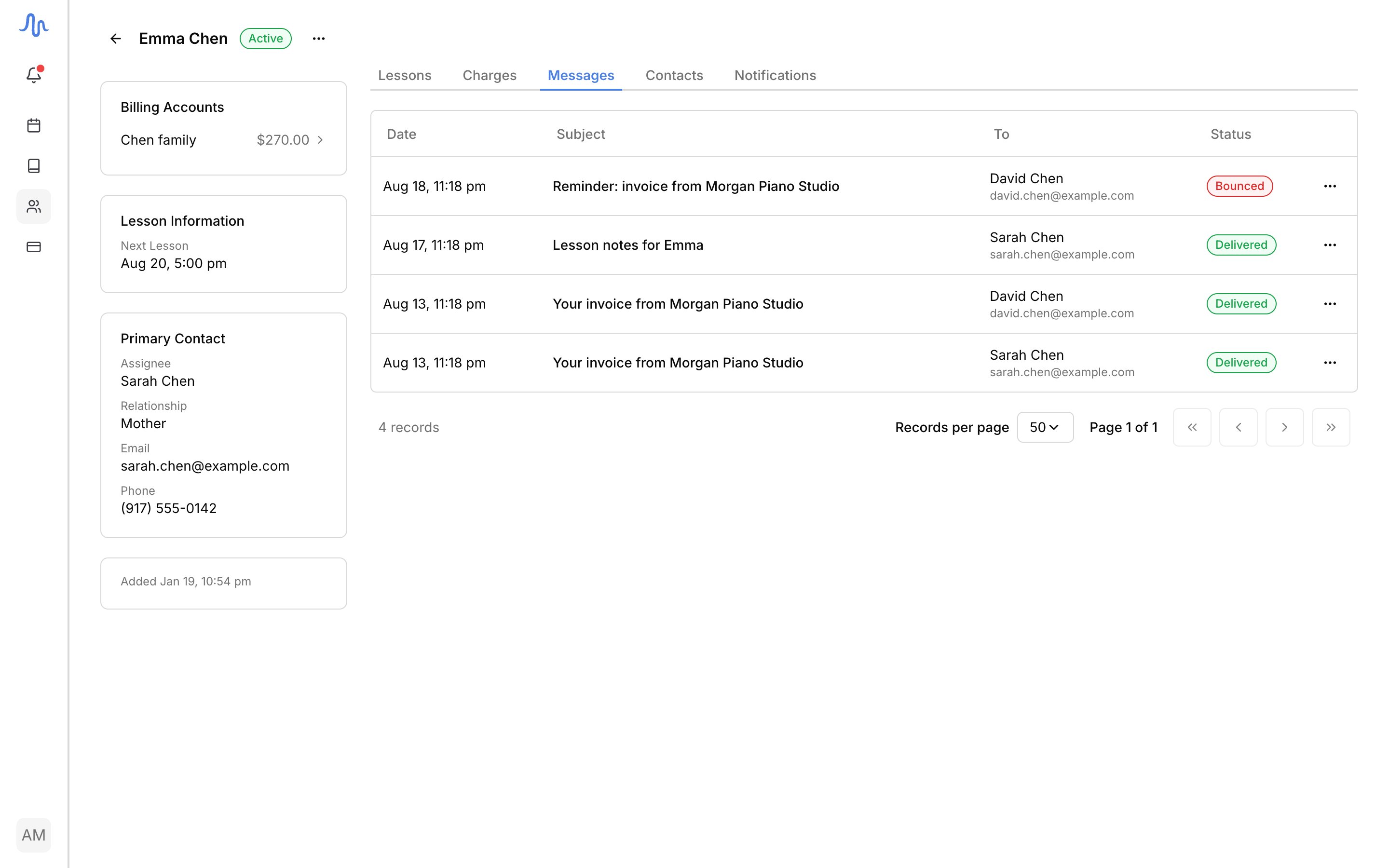
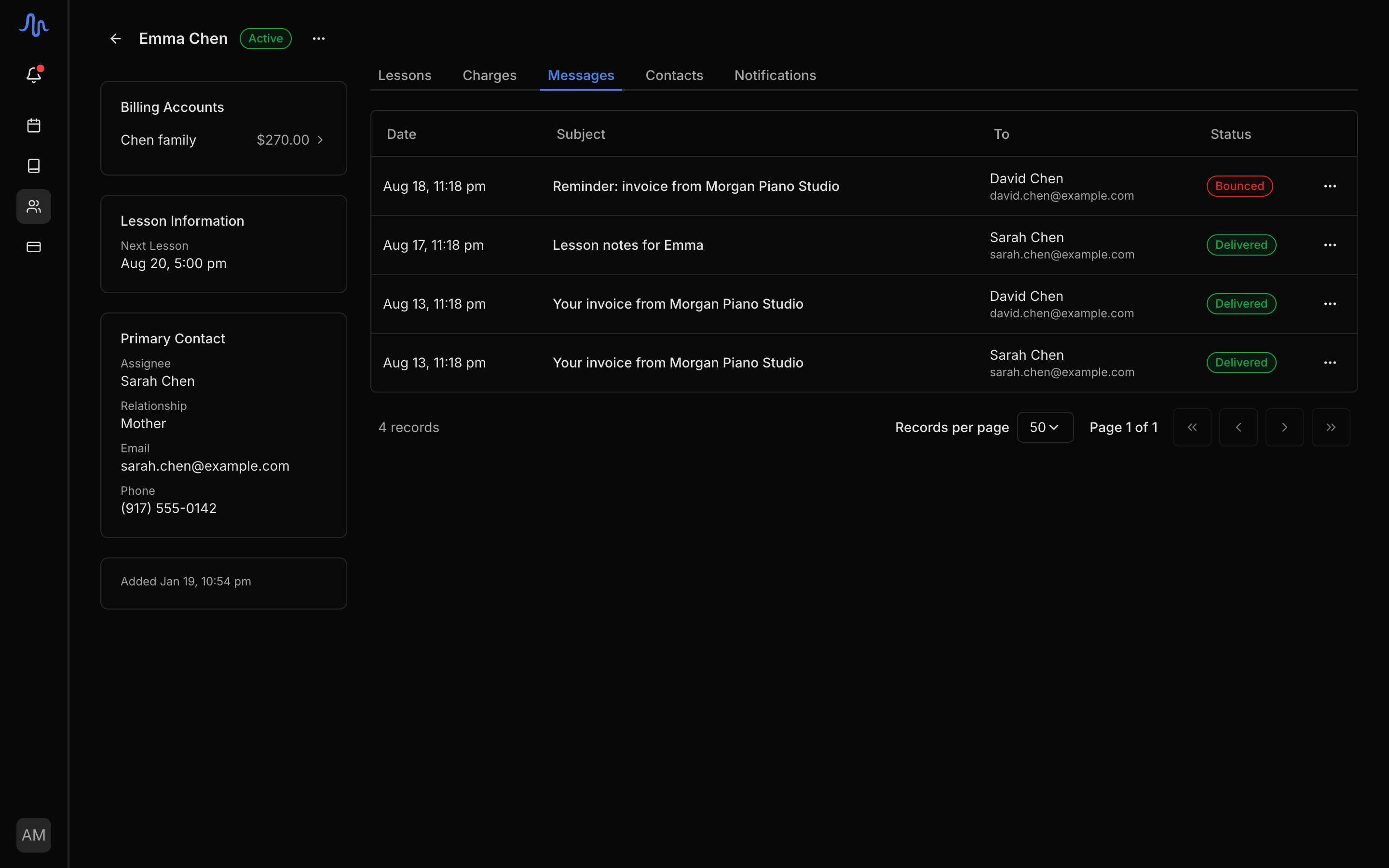
What a row shows
Read a message
Click a row to open it. The panel shows who received it, when, the sending and reply-to addresses (click any address to copy it), and the email exactly as it arrived. Links inside the message are shown but don’t work: the record is for reading, not for acting on the recipient’s behalf. Attachments are listed by name. Where there is nothing to show, the panel says why: mail sent before Harness kept email content has no body to display, and a send that failed before an email was composed has none either.Send a message again
One action on each row (the … menu, or the button on the open message), with two labels:
Try again uses the contact’s current address, so correcting a typo and retrying proves the fix in two clicks. The resend lands in the list as a new row with its own status, and opening it shows which email it copies, with a View original link.
Invoices resend differently: Send again on an invoice re-runs the invoice’s own send, with today’s figures, a fresh PDF, and the invoice’s recipients. The confirmation says so before anything sends.
Resending isn’t offered while a message is still sending, when its address is no longer receiving mail, or when the original wasn’t recorded fully enough to copy. Wait a few minutes between resends of the same message.